> ## Documentation Index
> Fetch the complete documentation index at: https://docs.onlyform.com/llms.txt
> Use this file to discover all available pages before exploring further.
# Embed with an iframe
> Place a published form directly inside any HTML page without widget JavaScript.
An iframe is the simplest and most isolated embed method. It works with the default `oy.fm` URL, an Onlyform subdomain, or a connected custom domain.
## Basic iframe
Replace `FORM_URL` with the exact public URL copied from the Share page:
```html theme={null}
```
For example:
```html theme={null}
```
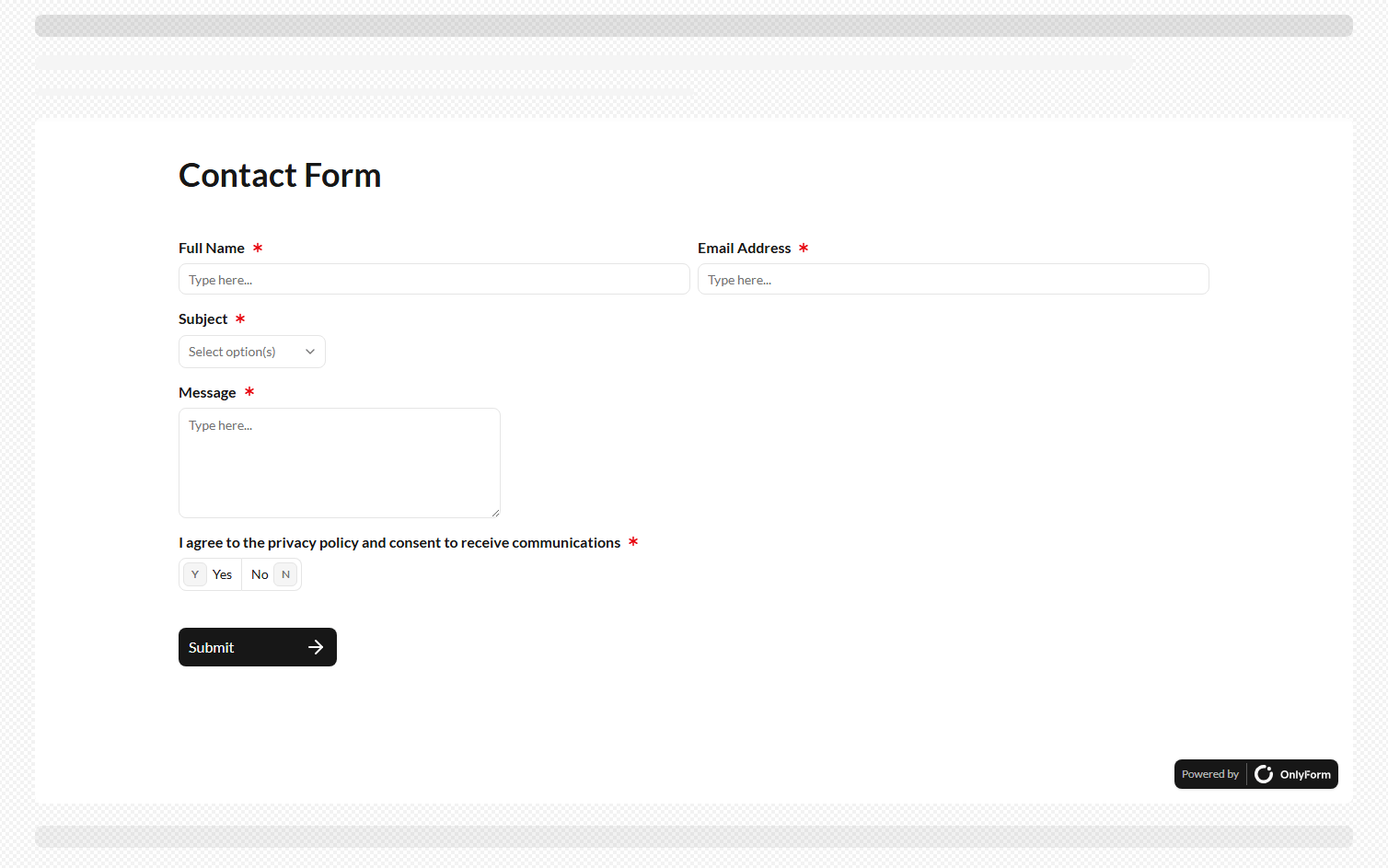 ## Responsive sizing
Use a container when the form should adapt to the available width:
```html theme={null}
## Responsive sizing
Use a container when the form should adapt to the available width:
```html theme={null}
```
Use a fixed pixel height when the surrounding page controls scrolling. Use `100vh` for a viewport-sized form:
```html theme={null}
```
CSS `height: auto` does not automatically resize a cross-origin iframe to match its document. Use an explicit height unless your site implements its own resize messaging.
## Pass hidden fields and UTM values
Append declared hidden fields and enabled UTM parameters to the iframe URL:
```html theme={null}
```
URL-encode dynamic values with `URLSearchParams` instead of concatenating untrusted text:
```js theme={null}
const url = new URL('https://forms.example.com/contact-us')
url.search = new URLSearchParams({
account_id: currentAccountId,
campaign_id: 'summer-2026',
}).toString()
document.querySelector('#contact-form').src = url.toString()
```
## Recommended attributes
| Attribute | Recommendation |
| --------- | ------------------------------------------------------------------------------------- |
| `title` | Required for accessibility. Describe the form's purpose. |
| `loading` | Use `lazy` for forms below the fold. Omit it for the main above-the-fold interaction. |
| `width` | Usually `100%`. |
| `height` | Use an explicit pixel or viewport value. |
| `border` | Set to `0` when the surrounding page supplies the frame styling. |
| `allow` | Add only browser capabilities the form actually needs. |
If your site uses Content Security Policy, allow the selected form hostname in `frame-src`. See [Troubleshooting](/widgets/troubleshooting#content-security-policy).